RATINGS
27M
DOWNLOADS
4+
AGE

 Download Latest APK
Wait a moment, your result is coming soon!
Face is not found. Please try again with another clear full-face portrait of a better quality.

Take Quiz Now
Screenshots


About this app
-
 Name Screen Guard - Screen Privacy
 -
 category Photography
 -
 Price 0
 -
 Safety 100% Safe
 -
 Developer o16i Apps
 -
 Version 7.0
 -
 Target Commuter Users
 -
 Update 2026.02.12
Related articles


Core Features
-
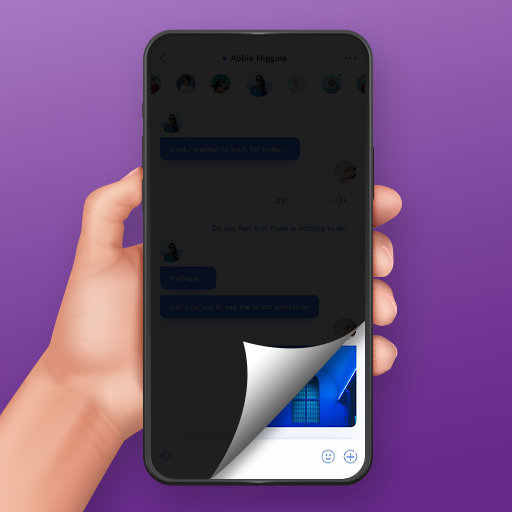
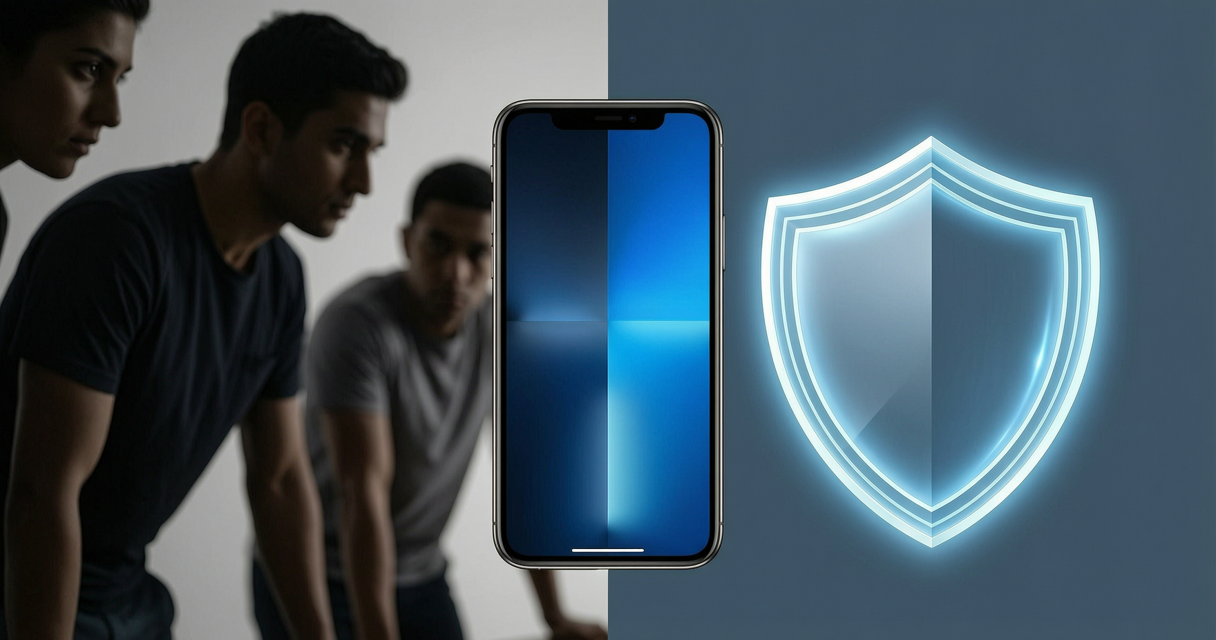
Customizable Privacy OverlaysApplies a digital tinted filter over your screen, allowing you to adjust opacity and size to hide sensitive content from prying eyes in public spaces like buses or cafes.
-
Quick Toggle FunctionalityFeatures a one-tap quick toggle button that enables or disables the privacy shield instantly, ensuring seamless transitions between private and normal viewing modes.
-
Resizable Masking ToolsAllows users to drag the edges of the filter to cover specific areas of the screen, providing flexibility to obscure chats or banking apps while keeping the rest of the display visible.
-
Night-Mode DimmingProvides a high-quality darkening tool that acts as a screen dimmer, which is ideal for reducing eye strain in low-light environments and potentially conserving device battery life.
Pros
-
Enhanced Visual SecurityEffectively obscures on-screen text from side angles, making it nearly impossible for bystanders to read your private messages or financial data.
-
User-Friendly InterfaceThe application is designed with simplicity in mind, avoiding complex menus and allowing users to apply privacy settings with intuitive slider controls.
-
Cross-App CompatibilityThe screen guard overlay functions smoothly over any application, providing consistent privacy protection regardless of the software currently in use.
Cons
-
Touch InterferenceOn some device configurations, the overlay may inadvertently interfere with touch sensitivity if the mask is configured improperly over functional UI elements.
-
Screen Visibility ConstraintsUnder extremely bright sunlight, high-opacity filters may make it difficult for the primary user to see their own screen content clearly.
Price
-
Freemium ModelThe app is generally available for free, offering core privacy filtering and opacity adjustments, while potential advanced features or ad-free experiences may be gated behind premium upgrades.
Ratings
3.6
1.2K votes
-
5
-
4
-
3
-
2
-
1