
RATINGS
10M
DOWNLOADS
4+
AGE

 Download Latest APK
Wait a moment, your result is coming soon!

Face is not found. Please try again with another clear full-face portrait of a better quality.

Take Quiz Now
Screenshots
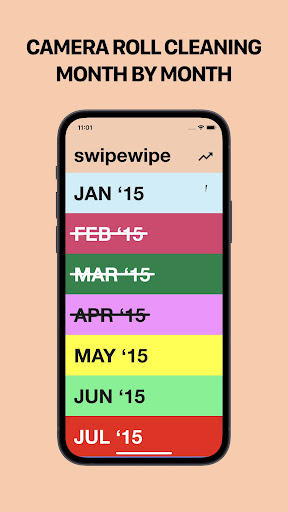
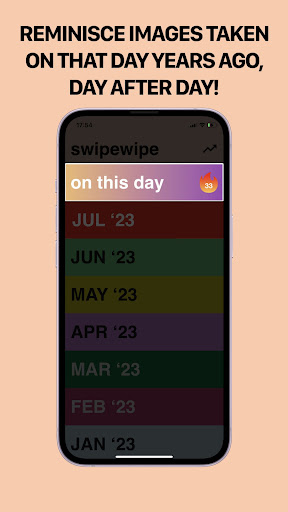
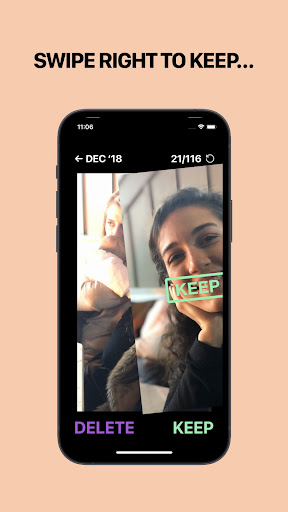

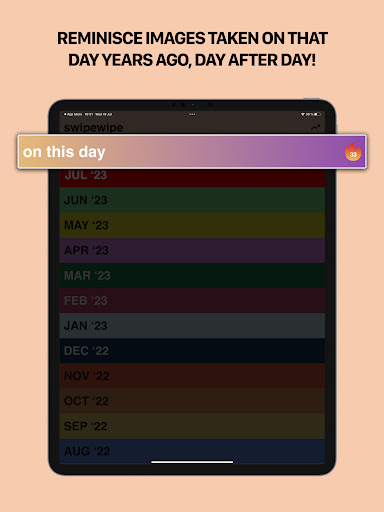
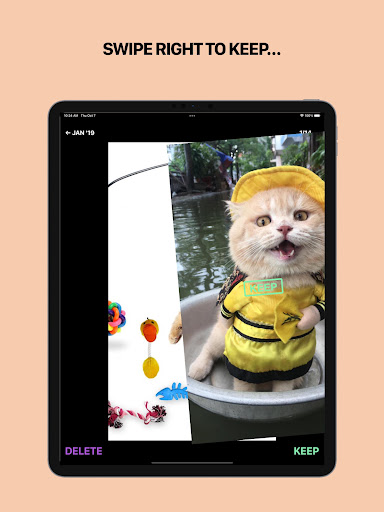
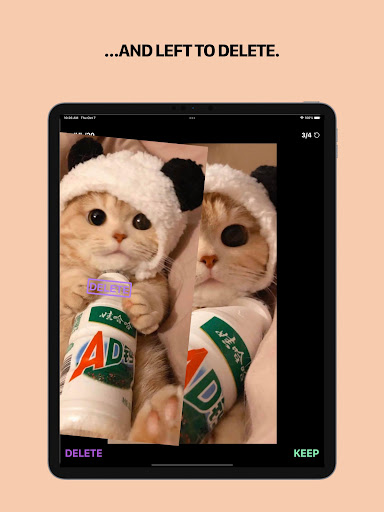
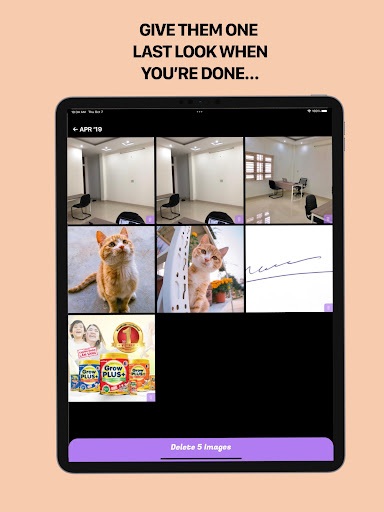
About this app
-
 Name Swipewipe: A Photo Cleaner App
 -
 category Tools
 -
 Price 0
 -
 Safety 100% Safe
 -
 Developer MWM - Music and creative apps for Android
 -
 Version 8.0
 -
 Target Casual Users
 -
 Update 2025.07.07
Related articles




Core Features
-
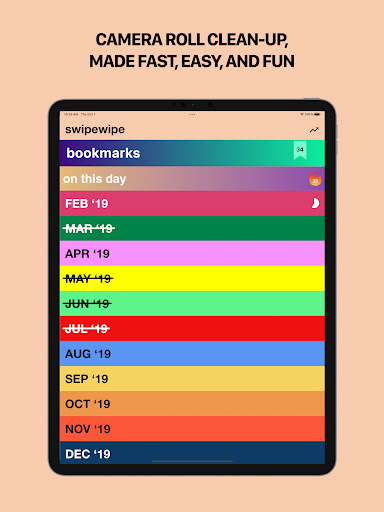
Smart Photo AnalysisUtilizing advanced algorithms, Swipewipe scans your photo library to identify and categorize photos based on similarity, quality, and metadata, making it easier to spot duplicates and low-quality images.
-
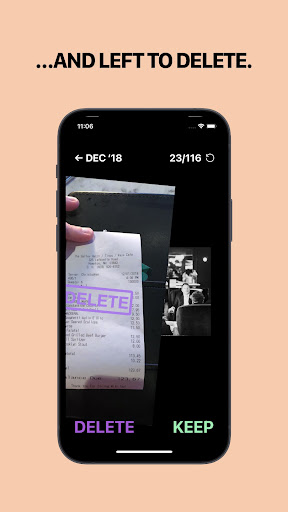
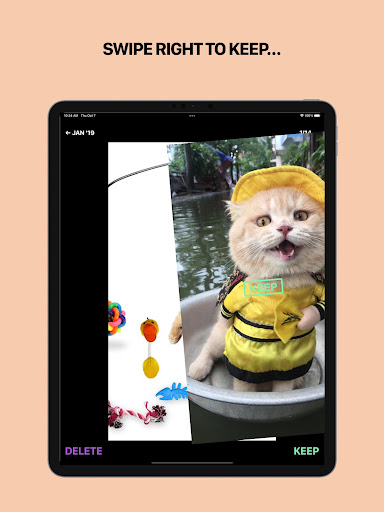
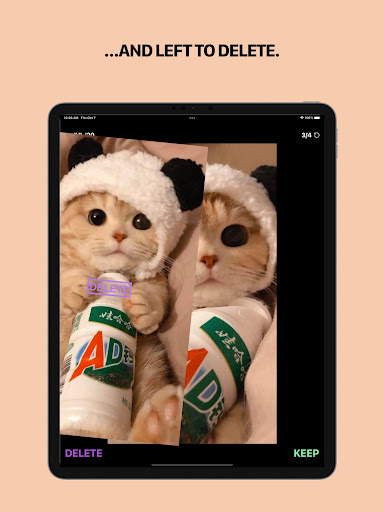
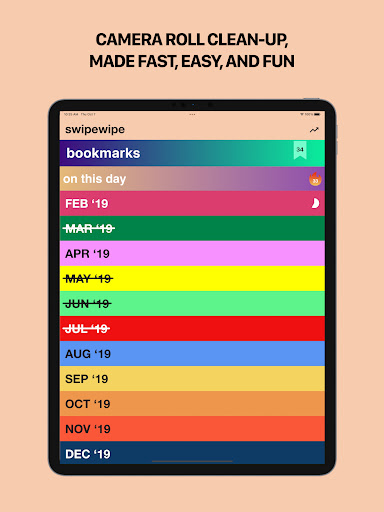
One-Tap CleanupWith a user-friendly interface, users can quickly delete unwanted photos with just one tap, drastically simplifying the process of managing storage space.
-
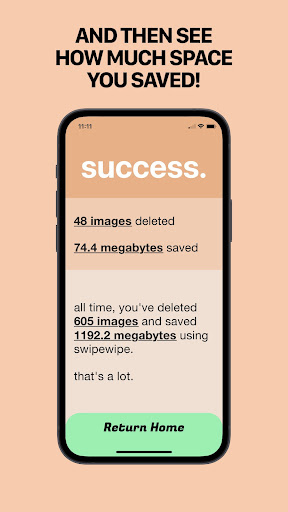
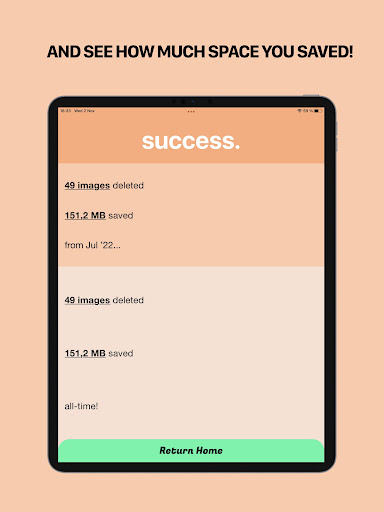
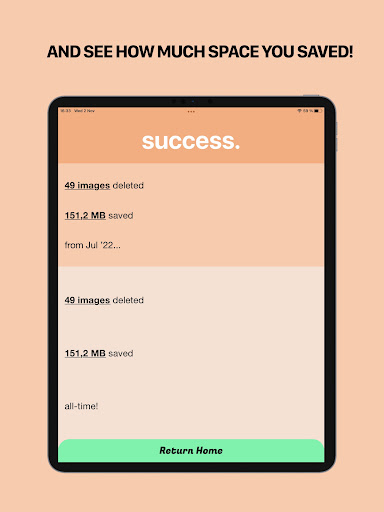
Detailed Storage InsightsSwipewipe provides insights into how much storage space your photos are occupying, allowing you to make informed decisions about what to keep or delete.
-
Customizable FiltersUsers can set personal preferences and apply customizable filters to focus on specific types of photos, ensuring the cleanup process aligns with individual needs.
-
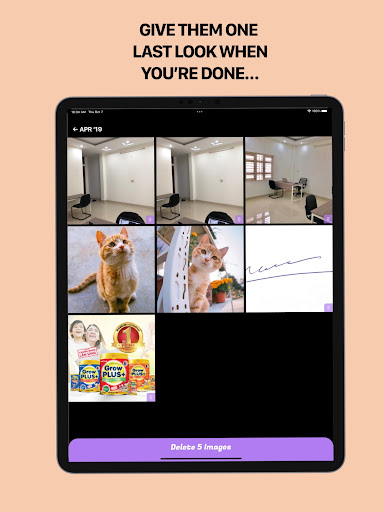
Preview Before DeletionThe app allows users to preview selected photos before actual deletion, ensuring that important memories are not accidentally removed.
Pros
-
Efficient and FastThe app processes large photo libraries quickly, allowing users to clean up their albums without spending hours sifting through images.
-
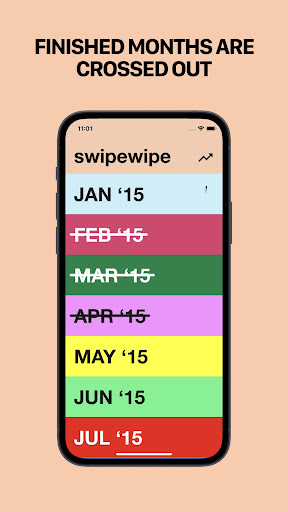
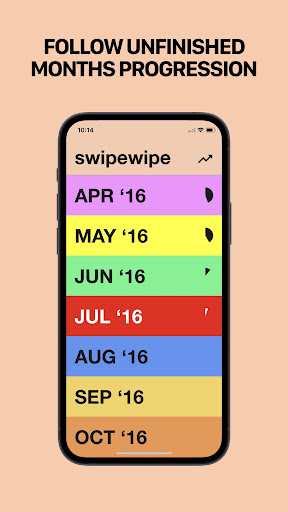
User-Friendly InterfaceSwipewipe’s intuitive design makes it accessible to users of all ages and tech backgrounds, facilitating a pleasant user experience.
-
Enhanced PrivacyThe app ensures user privacy by not uploading personal photos to the cloud, keeping all data securely on the device.
Cons
-
Limited Advanced Features in Free VersionWhile the free version is functional, users seeking more advanced capabilities, such as cloud integration and batch processing, may need to upgrade.
-
Occasional false positivesThe app may occasionally identify unique photos as duplicates, which could require users to double-check selections before deletion.
Price
-
Free Version AvailableSwipewipe offers a free version with essential features, allowing users to start cleaning their photos without any initial investment.
-
Premium SubscriptionThe premium subscription unlocks additional features, such as advanced filters and ad removal, available for a monthly or yearly fee.
Ratings
1.6
1K votes
-
5
-
4
-
3
-
2
-
1