If you have ever wanted a single app that gives you access to millions of games across every genre imaginable, Roblox is likely what you are looking for. It is not just one game but an entire platform where people play, build and share experiences with a global community. This guide walks you through what Roblox is, how it works on mobile, and how to get the most out of it whether you are a first-time visitor or a returning player looking for fresh experiences.
What Is Roblox
Roblox is a free-to-play online platform that lets users play, create and share games and interactive experiences. Developed by Roblox Corporation, it combines a game discovery portal with a built-in creation engine called Roblox Studio. Players can jump into millions of experiences created by the community, ranging from roleplaying adventures and obstacle courses to competitive shooters and simulation games. It is designed for players of all ages who enjoy social gaming, creative exploration and user-generated content, and it supports cross-platform play so you can switch between mobile, PC, Xbox and VR without losing your progress.
How It Works
The core experience is simple to pick up but offers near-endless variety. Here is the basic flow on mobile:
- Browse the Discover tab. The home screen surfaces popular, recommended and trending experiences. You can also search by name or browse categories like Roleplay, Adventure, Sports and Simulator.
- Tap any experience to join. Roblox streams the game directly, so you can jump in within seconds without a separate download for each title.
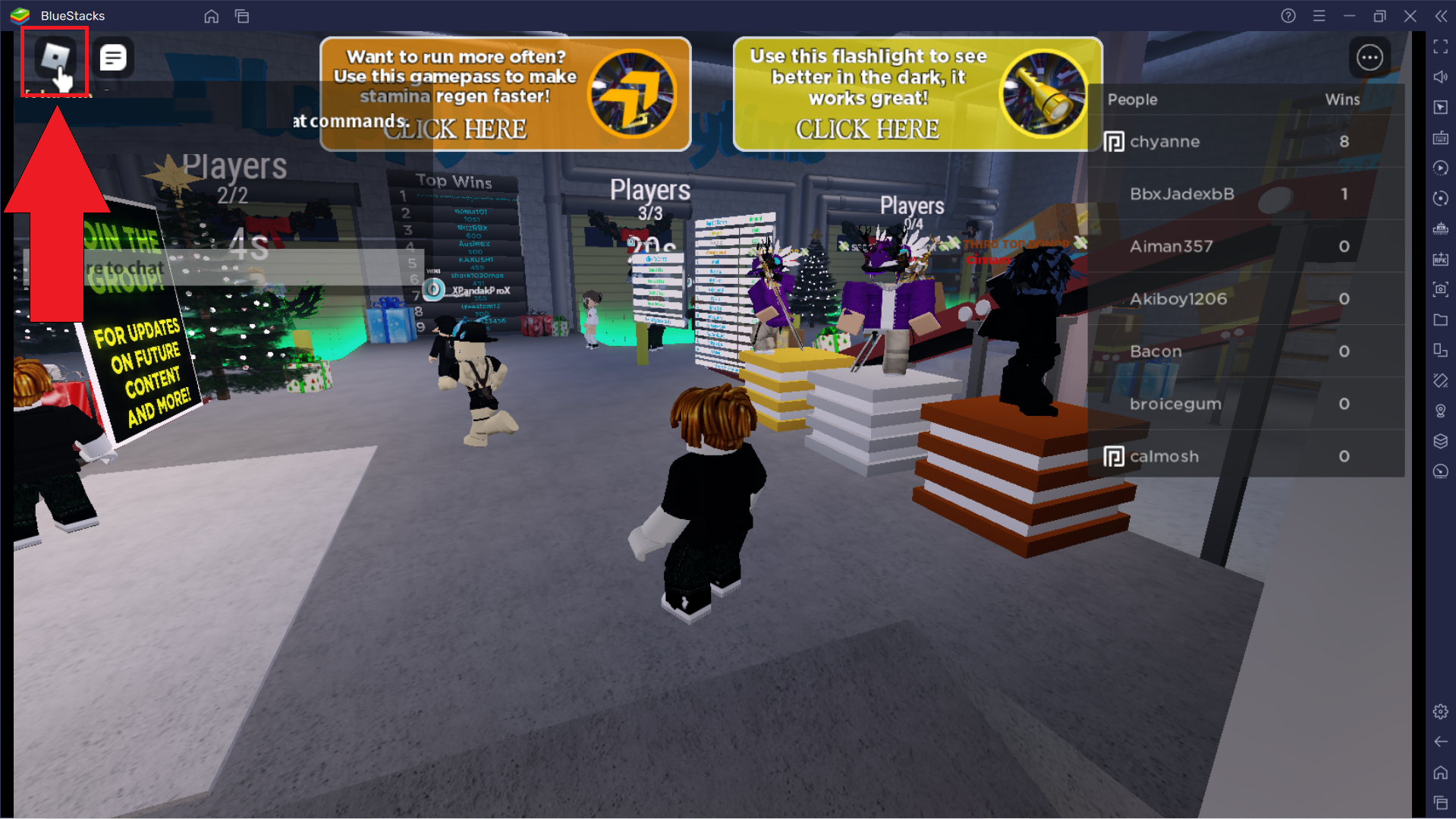
- Play using touch controls. Each experience has its own control scheme, but most use a virtual joystick for movement and on-screen buttons for actions like jumping, interacting or attacking.
- Customize your avatar and spend Robux. As you play, you can earn or purchase Robux to buy avatar items, game passes and developer-created cosmetics that enhance your experience.

The Discover tab on mobile, showing trending experiences, a search bar and genre categories to help you find something to play.
Key Features
Millions of User-Generated Experiences
The heart of Roblox is its library of user-created games. There are millions of experiences spanning every genre you can think of, including roleplaying, tycoon simulators, obstacle courses (known as obbys), horror, racing, fighting and social hangouts. Popular experiences regularly host tens of thousands of concurrent players, and new ones surface every day. No matter what mood you are in, there is almost always something new to try.
Avatar Customization
Your avatar is your identity across the entire platform. You can customize it with thousands of clothing items, accessories, faces, animations and bundles. Some items are free, some are purchased with Robux and others are earned through events and experience-specific rewards. The Avatar Editor lets you save multiple outfits, so you can switch looks depending on which experience you are entering.
Roblox Studio for Creators
For those who want to build rather than just play, Roblox Studio is a free creation tool available on PC and Mac. It uses the Lua programming language and provides a visual editor for building 3D worlds, scripting gameplay mechanics and publishing experiences to the entire Roblox community. Many of the most popular games on the platform started as small projects built by individual creators or small teams, and Roblox shares revenue with developers through its DevEx program.
Social and Cross-Platform Play
Roblox is built around social interaction. You can chat with friends, join parties, send private messages and team up in experiences together. The platform supports cross-platform play, meaning a mobile player can join the same server as someone on PC, Xbox or a VR headset. Your friends list, avatar and inventory carry over across all devices when you use the same account.
Robux Economy and Premium
Robux is the virtual currency used across the platform. You can use it to buy avatar items, game passes that unlock perks in specific experiences, and access to premium-only content. Roblox Premium is a monthly subscription that gives you a Robux stipend, a trading fee discount, and access to exclusive items and marketplace features. Developers can also earn Robux through in-experience purchases and convert them to real-world currency through the Developer Exchange program.
Regular Events and Seasons
Roblox hosts platform-wide events throughout the year, including seasonal festivals, award shows and developer-sponsored events within individual experiences. Many experiences also run their own limited-time events with exclusive cosmetics, challenges and rewards, giving you reasons to check back regularly even if you have played a particular game before.
App Screenshots

The Avatar Editor on mobile, where you can browse and equip clothing, accessories and animations to personalize your character.
Step-by-Step Tutorial
If you are starting fresh on mobile, here is a practical path from installation to your first multiplayer session:
- Install the app from your device's official store or a trusted source. Open it and sign in with an existing account or create a new one. You can also sign in as a guest to explore before committing.
- Set up your avatar. The app walks you through choosing a basic look. You can customize further later, but starting with an avatar you like makes the social experience more enjoyable.
- Explore the Discover tab. Scroll through featured and popular experiences, or use the search bar to find a specific game. Tap one that looks interesting to jump in instantly.
- Learn the touch controls. Most experiences use a left-side virtual joystick for movement and right-side buttons for jumping and interacting. Some games add extra buttons for special abilities or items.
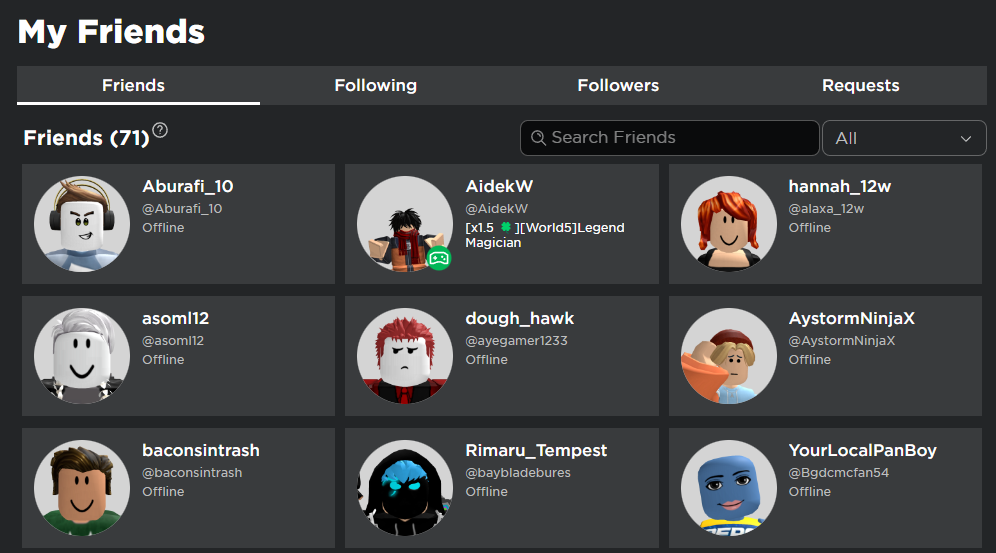
- Add friends. Use the search feature to find people you know, or meet new players in experiences. Tap a player's name to send a friend request, and they will appear in your friends list once accepted.
- Try different genres. Do not stick to just one type of experience. Exploring roleplay, obby, simulator and adventure games helps you discover what you enjoy most and earns you badges and achievements.
- Manage your Robux and inventory. If you decide to purchase Robux or subscribe to Premium, spend it on items or game passes that enhance the experiences you play most. Check your inventory regularly to organize and equip what you own.
- Join a party or create one. Once you have friends on the platform, invite them to a party to chat and jump between experiences together. Parties make it easy to stay connected while exploring different games.
Use Cases
- Casual social gaming: jump into a roleplaying experience or hangout world to chat and interact with friends for 15 to 30 minutes at a time.
- Creative exploration: try out community-built experiences to discover new game mechanics, art styles and storytelling approaches.
- Competitive play: join fighting, racing or tycoon experiences that feature leaderboards, seasons and competitive events.
- Learning to code: use Roblox Studio on PC to learn Lua scripting and game design, then publish your first experience for others to play.
- Family and group entertainment: play age-appropriate experiences together with family members across different devices using cross-platform support.
- Avatar fashion and collection: browse the marketplace for limited and rare items, trade with other collectors and build a unique avatar wardrobe.
Tips & Tricks
- Use the search bar effectively. Typing a genre or keyword like "tycoon" or "obby" surfaces curated lists that the Discover tab may not prominently feature.
- Check the player count before joining. Experiences with very high concurrent players are usually active and well-maintained, but smaller servers can offer a more personal and less chaotic experience.
- Save your favorite experiences. Tap the heart icon on any experience page to add it to your favorites, making it easy to return without searching again.
- Try experiences before spending Robux. Most experiences are free to enter. Play for a while before buying game passes or cosmetics to make sure you enjoy the gameplay.
- Adjust your privacy and chat settings. The settings menu lets you control who can message you, who can join your games and what content is filtered. This is especially important for younger players.
- Use a headset for voice chat in supported experiences. Spatial voice chat is available in many experiences and makes social interaction feel much more natural.
- Watch out for scams. Never share your password or enter your account credentials on third-party sites. Roblox staff will never ask for your password, and free Robux generators are always scams.
- Learn basic Lua if you want to create. Even a few hours of learning the basics of Lua scripting in Roblox Studio can be enough to build and publish a simple but fun experience.
Pros & Cons
Pros
- Massive library of free experiences across every genre, with new games appearing daily from a global creator community.
- Cross-platform play across mobile, PC, Xbox and select VR devices with shared progress and friends list.
- Deep avatar customization with thousands of items, letting you express your identity across all experiences.
- Built-in creation tools via Roblox Studio that are free to use and capable of producing professional-quality games.
- Strong social features including friends, parties, chat and voice communication in supported experiences.
- Regular platform-wide events and seasonal content that keep the ecosystem fresh and engaging.
Cons
- Quality varies wildly between experiences since anyone can publish, so finding good games can take some trial and error.
- Robux purchases and Premium subscription can add up quickly, especially for younger players who want exclusive items.
- Mobile performance can be inconsistent on older devices, with some experiences being designed primarily for PC and feeling sluggish on phones.
- Touch controls are adequate but not ideal for fast-paced or precision-heavy experiences that are better suited to keyboard and mouse.
- The open chat and social nature of the platform require active moderation, and parents should set up appropriate privacy and content filters for younger players.
Alternatives / Comparison
| App | Core difference | Best for |
|---|---|---|
| Minecraft | Sandbox building and survival with a single unified world type rather than millions of separate experiences | Players who want deep building and survival mechanics in a consistent world |
| Rec Room | Social VR-focused platform with built-in game creation tools and a strong emphasis on physical activity | Players who want a more VR-centric social platform with active mini-games |
| Crayta | Cloud-based game creation platform with collaborative building, though with a smaller community | Players who want collaborative world-building without local installation |
| Roblox | Largest user-generated game library with deep avatar economy and cross-platform social features | Players who want variety, social play and the option to create their own experiences |
FAQs
Is Roblox free to play?
Yes. The app is free to download and the vast majority of experiences on the platform are free to play. Optional purchases exist for Robux, avatar items, game passes and a Premium subscription, but none of these are required to enjoy the core experience.
Can I play Roblox on mobile, PC and console with the same account?
Yes. Roblox supports cross-platform play and cross-progression when you use the same account across mobile, PC, Xbox and select VR devices. Your avatar, friends list, inventory and most saved progress carry over between platforms.
Does Roblox require an internet connection?
Yes. Roblox is an online platform, and an active internet connection is required to browse, join and play experiences. There is no offline mode since all games are streamed from Roblox servers and rely on multiplayer infrastructure.
What is Robux and do I need it to play?
Robux is the virtual currency used across the platform. You do not need it to play most experiences, but it can be used to buy avatar items, game passes that unlock perks, and access to certain premium content. Robux can be purchased with real money or earned through the Premium stipend.
Can I create my own games on Roblox?
Yes. Roblox Studio is a free creation tool available for PC and Mac. It lets you build 3D worlds, script gameplay using the Lua programming language and publish your experiences to the entire Roblox community. Developers can also earn Robux through in-experience purchases and convert them to real currency via the Developer Exchange program.
Is Roblox safe for children?
Roblox includes parental controls, content filtering and chat moderation. Parents can set up PIN-protected account restrictions, control who can chat with their child, and limit the types of experiences that are accessible. It is recommended that parents review these settings with their children and monitor their activity, especially for younger players.
Can I play Roblox with my friends on different devices?
Yes. Roblox supports cross-platform multiplayer, so a player on mobile can join the same experience and server as a friend on PC, Xbox or VR. Simply add each other as friends and use the party or quick-join feature to enter an experience together.
Conclusion
Roblox stands out as one of the most versatile and community-driven gaming platforms available on mobile. Its combination of millions of user-generated experiences, deep avatar customization, cross-platform social features and free creation tools makes it appealing to an unusually wide audience, from young children exploring roleplaying worlds to aspiring developers learning to code and publish their own games. If you enjoy social gaming and are curious about what a community of millions of creators can build, it is well worth trying on your phone. Start with the Discover tab, try a few different genres, add some friends, and let the platform show you what it has to offer.
Safety Note and Disclaimer
Our website is a third-party distribution and information site, not the official app store or the app developer.
Download only from a source you trust and verify the source.
Review the permissions the app requests and decline anything that looks excessive.
Keep your device's security settings and antivirus up to date.
Prefer official stores (Google Play) when the app is available there.
This article is an independent overview and is not affiliated with the app's developer.