评分
446M
下载量
4+
年龄

 下载最新APK
稍等,您的结果马上就来!

未找到面部。请用另一张质量更好的清晰全脸肖像再试一次。

现在参加测验
截图

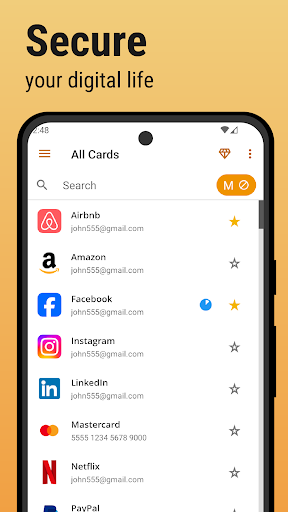
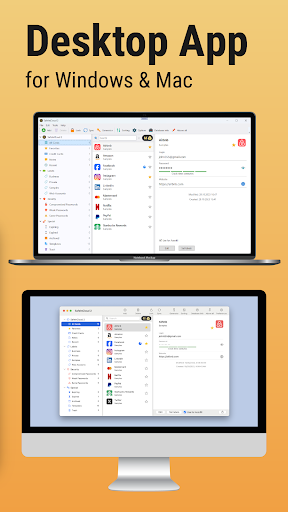
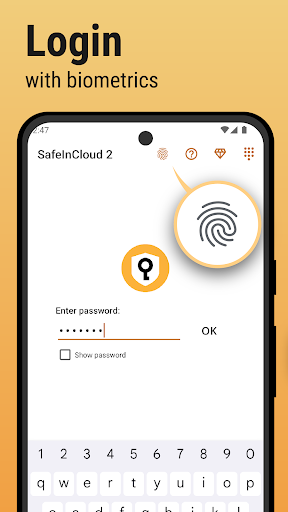

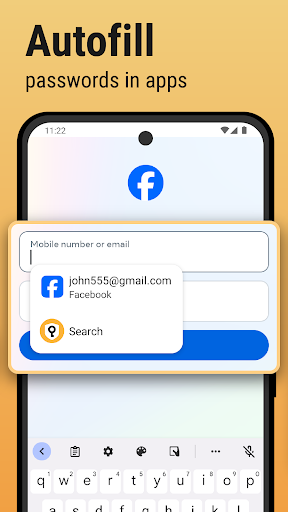
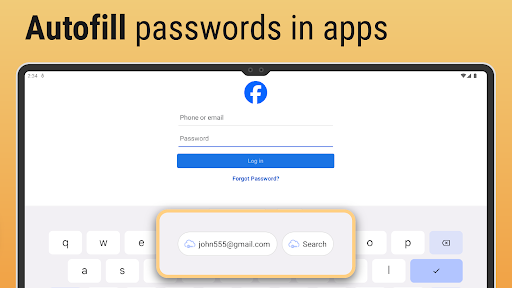
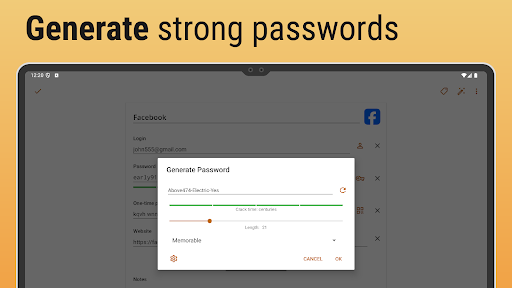
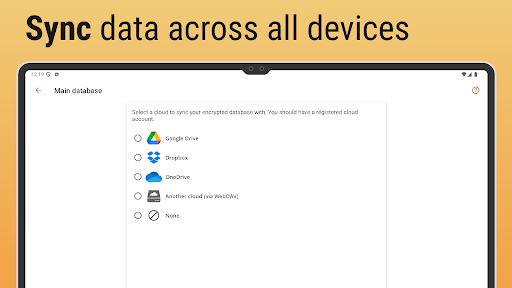
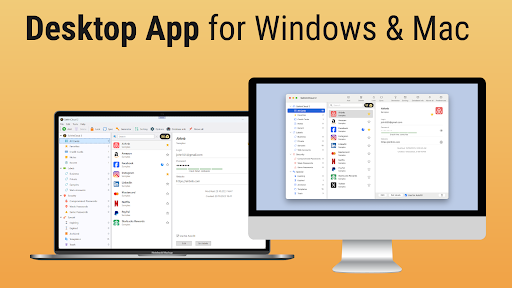
关于这个应用
-
 名称 Passwords — Safe-In-Cloud
 -
 类别 效率
类别 效率 -
 价格 0
价格 0 -
 安全 100% Safe
 -
 开发者 SafeInCloud S.A.S.
 -
 版本
版本 -
 目标 休闲用户
 -
 更新 2025.05.24
核心功能
-
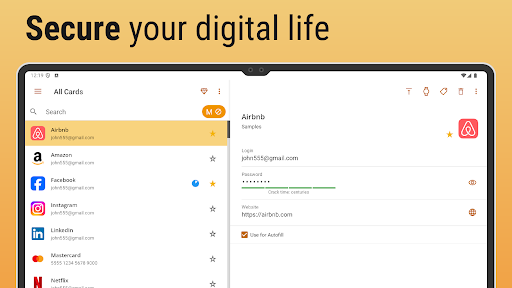
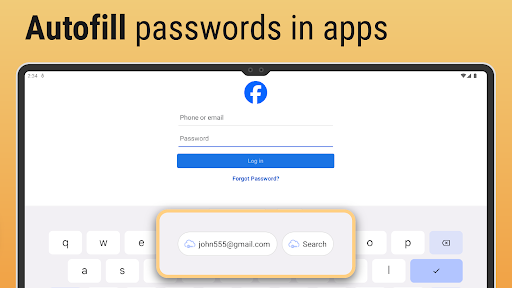
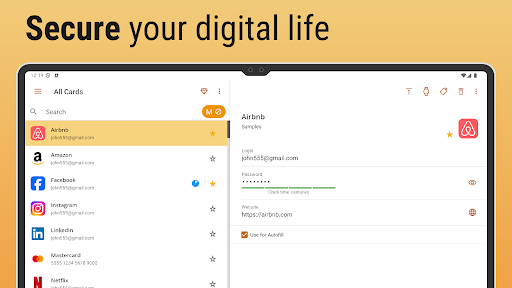
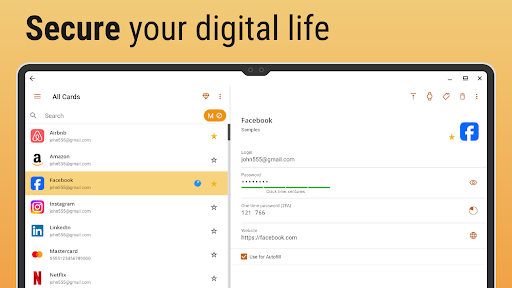
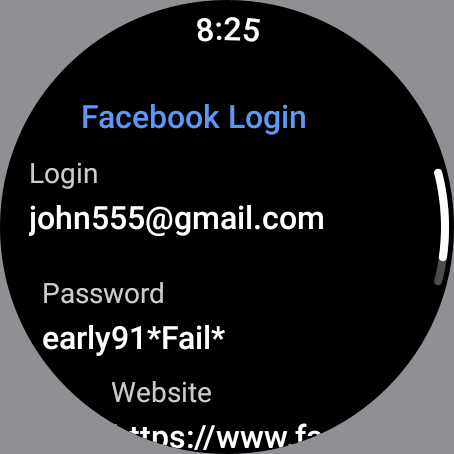
密码管理安全地存储和管理所有密码在一个安全的位置。该应用程序采用军事级加密来保护您的敏感数据。
-
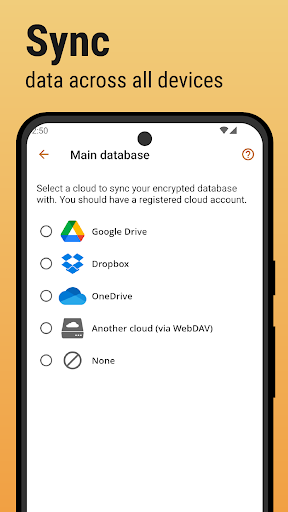
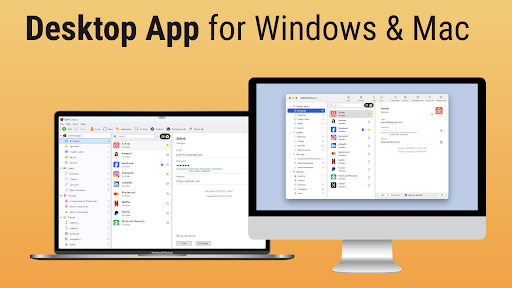
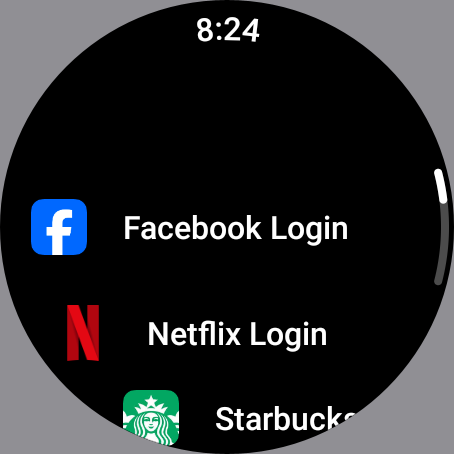
跨平台访问在各种设备(包括智能手机,平板电脑和计算机)上访问您存储的密码,以确保您永远不会忘记密码,无论使用该设备如何。
-
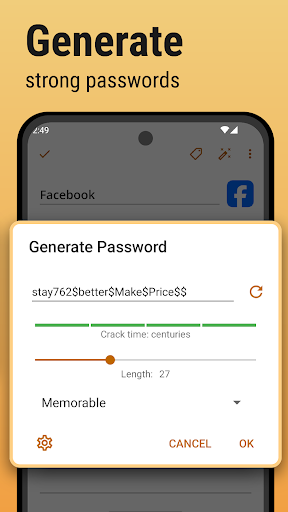
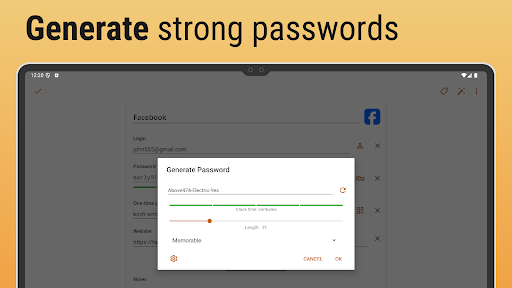
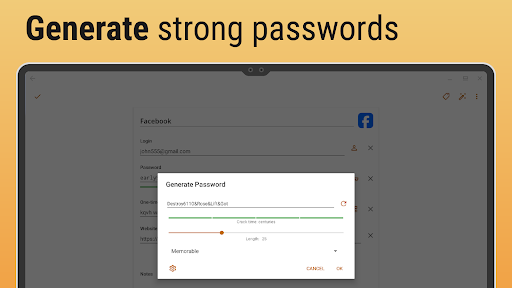
密码生成器使用内置密码生成器轻松创建强,独特的密码,帮助您增强安全性并减少漏洞的脆弱性。
-
安全备份并还原轻松地将密码数据库备份到云中或本地,在需要的情况下可以在不冒险丢失的情况下进行平稳恢复。
-
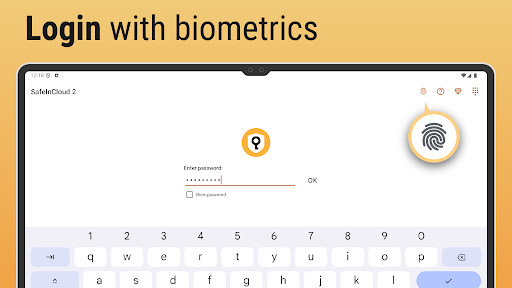
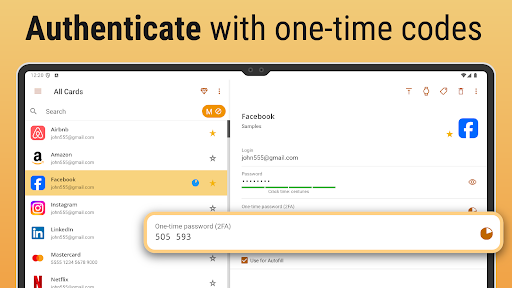
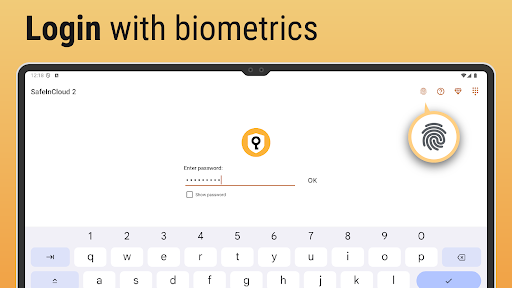
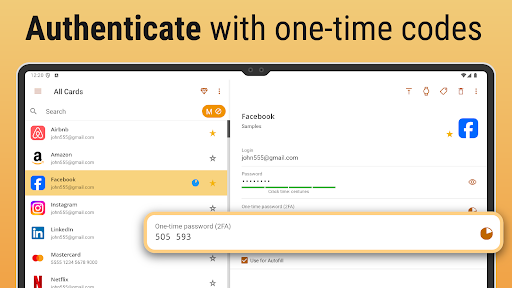
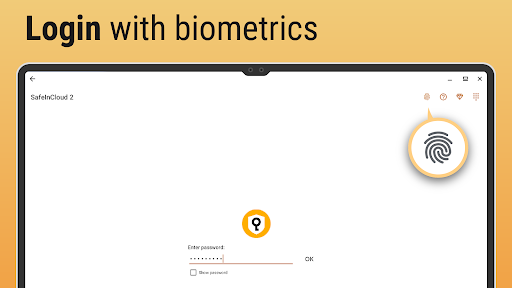
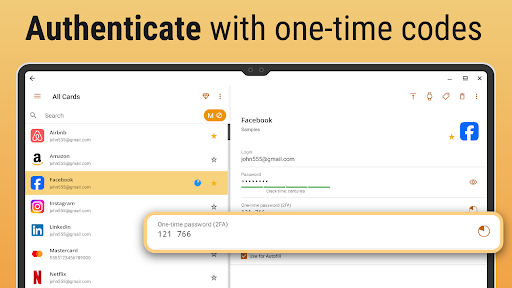
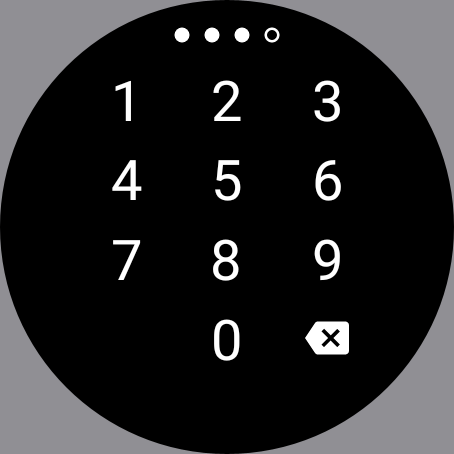
多因素身份验证通过可选的多因素身份验证进一步提高安全性,从而提供了防止未经授权访问的额外保护层。
优点
-
用户友好的接口该应用程序具有直观,易于启动的界面,即使对于具有最低技术技能的用户,也可以简单地管理密码。
-
负担得起的解决方案提供具有强大功能的全面免费版本,使其成为寻求安全密码管理的个人的经济有效选择。
-
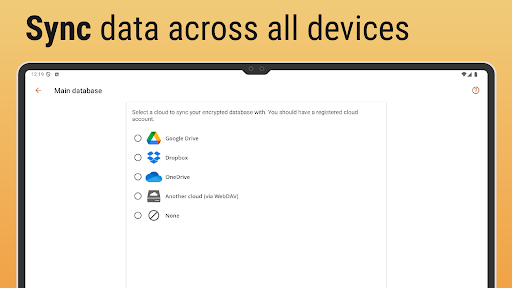
多设备同步无缝地在多个设备上无缝同步密码,以确保您随时随地都可以访问凭据。
-
积极的客户支持响应式客户支持可以解决问题和查询,增强用户体验并对应用程序的可靠性信心。
缺点
-
学习曲线一些用户最初可能会发现一系列功能,需要时间才能充分理解和有效地利用该应用程序。
-
有限的免费功能尽管免费版本提供了许多功能,但一些高级功能仅在付费版本中可用,可能会限制用户体验。
-
偶尔同步问题用户已经报告了设备之间偶尔同步延迟,这可能是那些需要即时访问其凭据的人的关注。
价格
-
免费版本包括适合基本需求的基本密码管理功能,可为用户提供足够的功能。
-
高级订阅解锁高级功能,例如增强的安全选项,优先支持和额外的云存储,每月或每年费用。
评分
4.5
48K 票
-
5
-
4
-
3
-
2
-
1